Trusted by 1000+ Companies
AI Invoice Extraction
AI Invoice Extraction
Extract YOUR specific data - PO numbers, cost centers, project codes and push to SAP or ERPs
Extract YOUR specific data - PO numbers, cost centers, project codes and push to SAP or ERPs
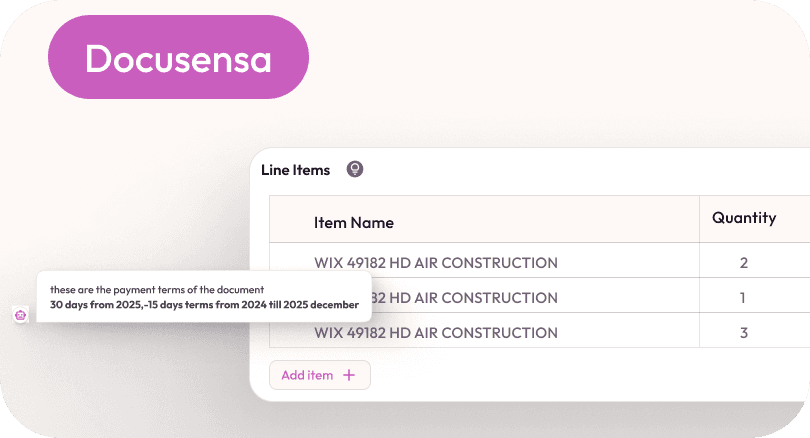


Trusted by 1000+ Companies
AI Invoice Extraction
Extract YOUR specific data - PO numbers, cost centers, project codes and push to SAP or ERPs
Start Invoice Extraction
The Problem
The Problem
Your Finance Team Spends 6 Hours Daily on Invoices. DocuSensa Cuts it to 30 Minutes.
Your Finance Team Spends 6 Hours Daily on Invoices. DocuSensa Cuts it to 30 Minutes.
Finance teams today lose countless productive hours manually uploading, reviewing, and extracting data from invoices scattered across emails, PDFs, and systems.
This repetitive process is slow, error-prone, and mentally draining—often consuming up to six hours every day that could be spent on analysis, compliance, or strategic decisions.
With growing invoice volumes and tighter deadlines, manual handling not only delays payments but also increases the risk of missed details and costly mistakes.
DocuSensa eliminates this bottleneck by automating invoice extraction and enabling instant AI-driven insights, reducing a full day of manual work to just 30 minutes.
What You Can Do
Explore the powerful ways you can interact with your Invoices
Read totals, tax, vendors, due dates
Instantly extract and review key invoice details like total amounts, taxes, vendor names,
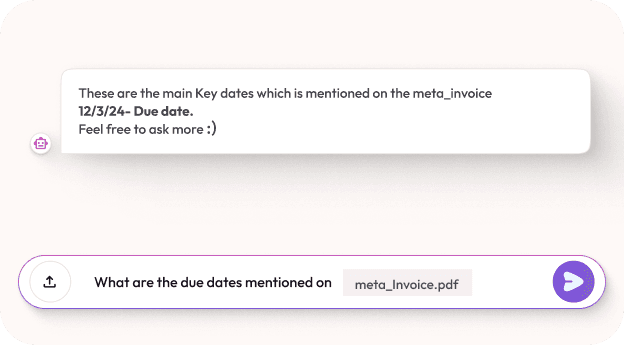
Read totals, tax, vendors, due dates
Instantly extract and review key invoice details like total amounts, taxes, vendor names,
Read totals, tax, vendors, due dates
Instantly extract and review key invoice details like total amounts, taxes, vendor names,
Chat with any invoice for quick insights
Ask anything about one or multiple invoices and get Insights and answers easily Now
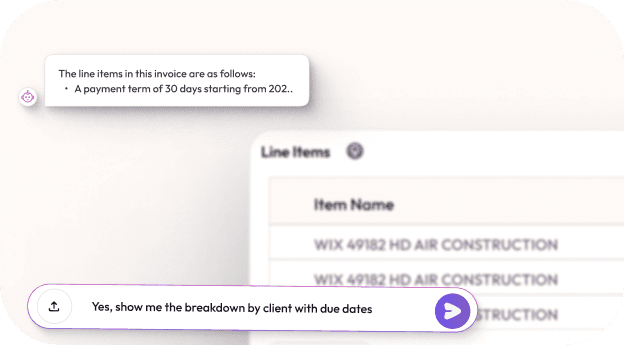
Chat with any invoice for quick insights
Ask anything about one or multiple invoices and get Insights and answers easily Now
Chat with any invoice for quick insights
Ask anything about one or multiple invoices and get Insights and answers easily Now
Export structured data
Turn raw invoice data into organized formats like CSV or Excel for easy reporting, analytics, or bookkeeping.
Export structured data
Turn raw invoice data into organized formats like CSV or Excel for easy reporting, analytics, or bookkeeping.
Export structured data
Turn raw invoice data into organized formats like CSV or Excel for easy reporting, analytics, or bookkeeping.
Batch process large sets of invoices
Upload multiple invoices at once. DocuSensa processes them in bulk, preserving document context and highlighting key values.
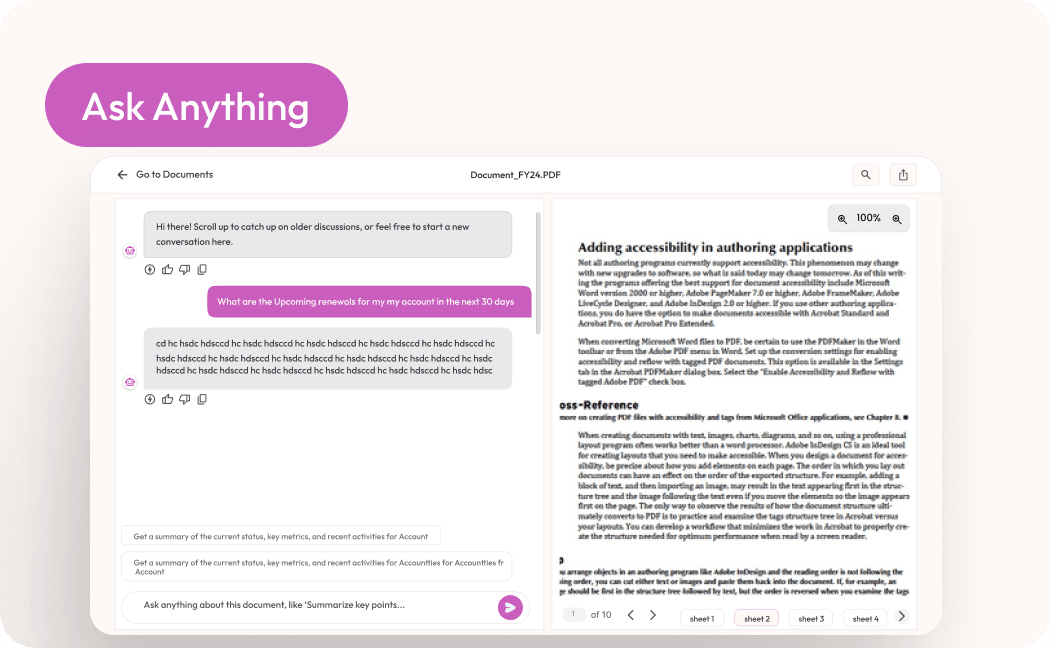
Batch process large sets of invoices
Upload multiple invoices at once. DocuSensa processes them in bulk, preserving document context and highlighting key values.
Batch process large sets of invoices
Upload multiple invoices at once. DocuSensa processes them in bulk, preserving document context and highlighting key values.
Ask Anything, Get Instant Answers
Need payment terms, invoice dates, or total due? Type a question and get pinpointed, context-aware answers in seconds.
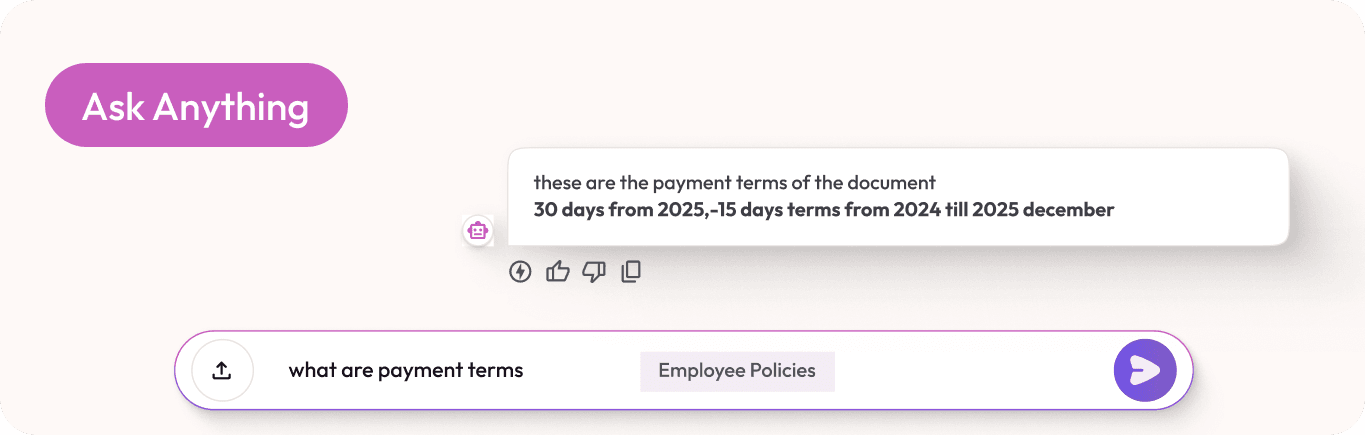
Ask Anything, Get Instant Answers
Need payment terms, invoice dates, or total due? Type a question and get pinpointed, context-aware answers in seconds.
Ask Anything, Get Instant Answers
Need payment terms, invoice dates, or total due? Type a question and get pinpointed, context-aware answers in seconds.
The Problem
Your Finance Team Spends 6 Hours Daily on Invoices.
DocuSensa Cuts it to 30 Minutes.
Finance teams today lose countless productive hours manually uploading, reviewing, and extracting data from invoices scattered across emails, PDFs, and systems.
This repetitive process is slow, error-prone, and mentally draining—often consuming up to six hours every day that could be spent on analysis, compliance, or strategic decisions.
With growing invoice volumes and tighter deadlines, manual handling not only delays payments but also increases the risk of missed details and costly mistakes.
DocuSensa eliminates this bottleneck by automating invoice extraction and enabling instant AI-driven insights, reducing a full day of manual work to just 30 minutes.
Here’s how it all comes together
How This Feature Works
How This Feature Works
Just upload a Invoice ask your question, and let AI deliver accurate, instant answers’s fast, reliable, and ready when you are.
Just upload a Invoice ask your question, and let AI deliver accurate, instant answers’s fast, reliable, and ready when you are.
Here’s how it all comes together
Just upload a Contract ask your question, and let AI deliver accurate, instant answers’s fast, reliable, and ready when you are.
Built for professionals who don’t have time to waste.
Real Workflows, Real Results
From Accounts and consultants to HR and finance pros, these use cases show how DocuSensa simplifies complex document tasks—boosting accuracy, saving time, and reducing manual work.
Accountants managing monthly expense flows
Accountants use DocuSensa to automatically extract and categorize expenses, saving hours on data entry and reconciliation.

Auto-extract line items and totals

Group expenses by month, category, or client

Export clean summaries for reports and audits

SMBs tracking vendor invoices
Small businesses keep tabs on incoming vendor bills, due dates, and amounts—no need to manually check each document.
Flag due and overdue payments
Tag and organize by vendor type
Track historical billing patterns

Freelancers reviewing client billing history
Freelancers quickly review past invoices sent to clients, ensuring accurate payments and identifying late payers.
Search invoice history by client or project
Summarize unpaid vs. paid invoices
Ask AI: “Which clients haven’t paid me in 60 days?

Built for professionals who don’t have time to waste.
Real Workflows, Real Results
From legal teams and consultants to HR and finance pros, these use cases show how DocuSensa simplifies complex document tasks—boosting accuracy, saving time, and reducing manual work.
Accountants managing monthly expense flows
Accountants use DocuSensa to automatically extract and categorize expenses, saving hours on data entry and reconciliation.
Auto-extract line items and totals
Tag and organize by vendor type
Export clean summaries for reports and audits
SMBs tracking vendor invoices
Small businesses keep tabs on incoming vendor bills, due dates, and amounts—no need to manually check each document.
Search invoice history by client or project
Tag and organize by vendor type
Track historical billing patterns
Freelancers reviewing client billing history
Freelancers quickly review past invoices sent to clients, ensuring accurate payments and identifying late payers.
Side-by-side document comparison
Summarize unpaid vs. paid invoices
Ask AI: “Which clients haven’t paid me in 60 days?
Don’t just take our word for it.
Voices of Trust
Hear from the professionals using DocuSensa every day—saving hours, streamlining workflows, and transforming the way they handle documents.
Hear from the professionals using DocuSensa every day—saving hours, streamlining workflows, and transforming the way they handle documents.
Since we started using DocuSensa, managing compliance across our documents has become seamless. The AI-powered risk assessment feature alerts us to potential issues before they escalate, saving us time and keeping us secure.

Sarah Thompson
Marketing Manager
DocuSensa’s document summarization feature has completely transformed how we process information. Instead of spending hours on lengthy reports, we now get concise summaries that allow us to focus on decision-making


Alexis mark
E-commerce Owner
The AI-powered data extraction capabilities in DocuSensa have streamlined our operations. Extracting critical information from contracts and invoices used to be a tedious task, but now it’s automated, accurate, and fast

Emily Parker
Non-profit Coordinator
DocuSensa has made it easy to organize our documents with AI-driven categorization. It automatically sorts files into the right folders, making retrieval a breeze and boosting our team’s efficiency.
John Roberts
E-commerce Owner